Write like a creative brief
A strong Seedream 5.0 Pro prompt reads like a short production brief rather than a pile of tags. Start with the main subject, then explain the job of the image, the scene, the visual hierarchy, and the final output requirement. This helps the model understand priority. If the image must sell a product, teach a concept, compare options, or localize a campaign, say that intent directly. The more clearly you define the job, the easier it is for the model to decide what should be sharp, centered, readable, or visually dominant.
Separate subject, style, and constraints
Many weak prompts mix subject, style, and constraints into one long sentence. A better pattern is to first state what must appear, then describe how it should look, and finally list what must not change. For example, subject means the bottle, character, product page, or diagram. Style means lighting, material, color palette, camera angle, and rendering mode. Constraints include exact text, aspect ratio, language, brand mood, reference image roles, and preserved regions. Keeping these parts separate makes revisions easier because you can change one layer of the prompt without damaging the whole direction.
Use references as instructions, not decoration
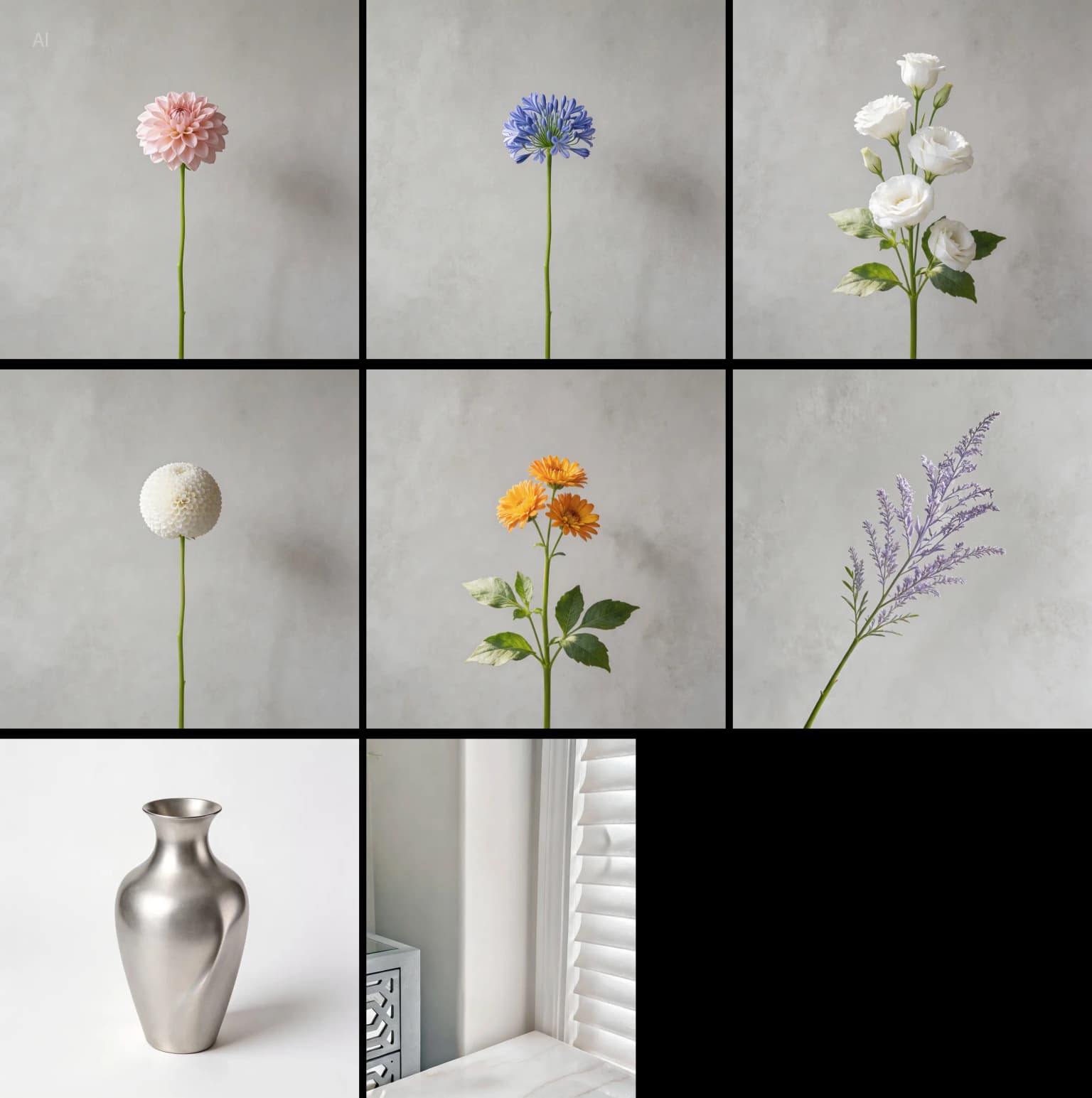
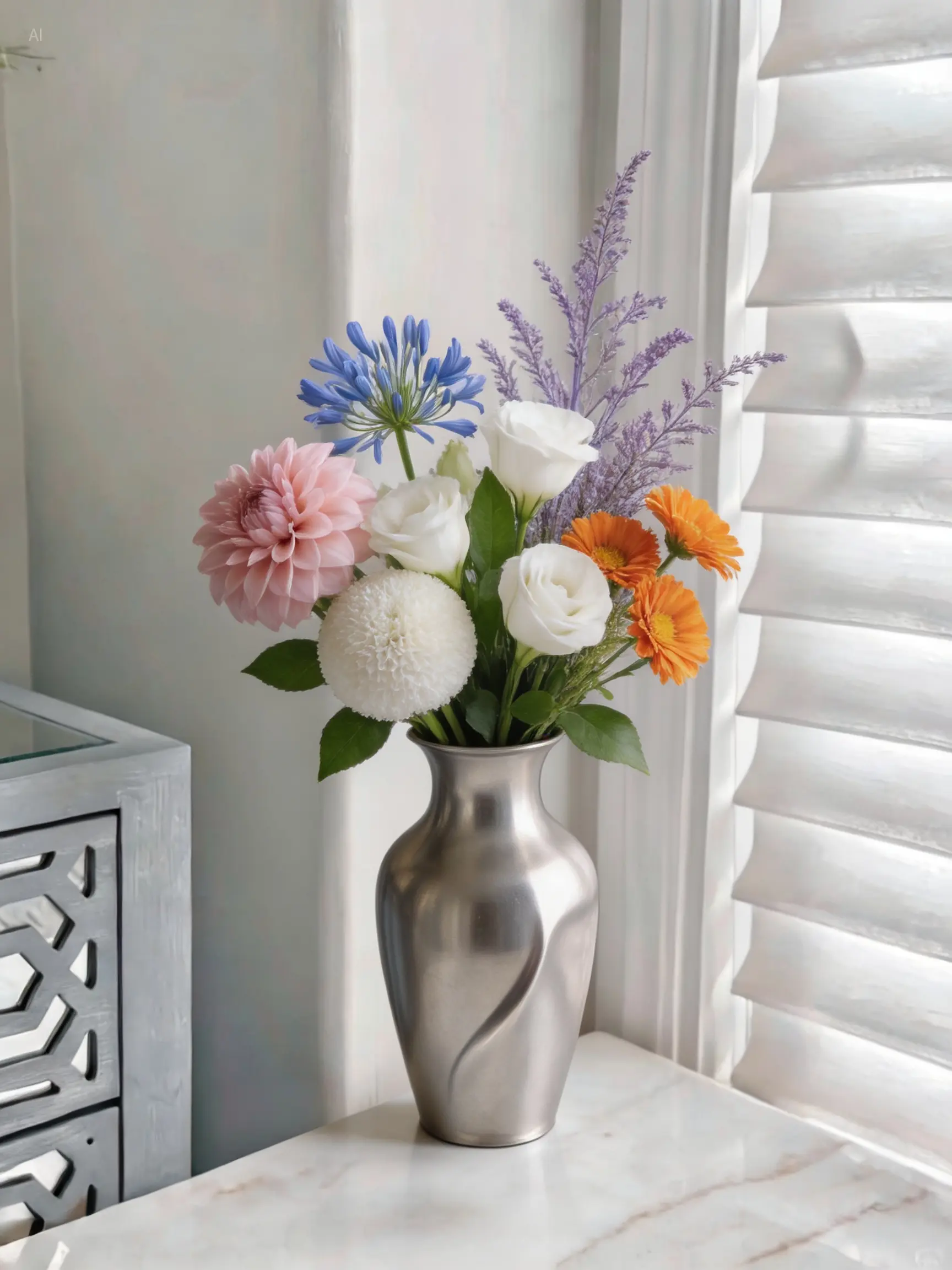
Reference images are most useful when each one has a clear role. Instead of uploading several images and hoping the model understands them, tell Seedream 5.0 Pro what each reference controls. One image might define identity, another might define product shape, another might define lighting, and another might define layout. If a reference should only control style, say so. If it should not change the main subject, say that too. This prevents the model from blending unrelated details and helps it preserve the correct object, face, product, or composition.
Plan image text before generation
When a visual needs readable text, decide the exact words before you generate. Put headlines, labels, buttons, diagram captions, or poster copy inside double quotes. Also describe the typography role: headline, subtitle, label, badge, callout, or small note. If the prompt includes multiple languages, explain how the languages relate to each other and where each should appear. Text is not just content; it is part of the layout. A prompt that names text placement, visual hierarchy, and spacing will usually perform better than a prompt that simply says to include text.
Revise one visible problem at a time
Do not rewrite the entire prompt after a near-successful result. When the image is close, identify the one issue that blocks production use: a wrong word, a distorted object, an extra hand, poor contrast, weak product shadow, or cluttered background. Then add a focused correction while preserving the successful parts. This keeps the model anchored to the working composition. A practical revision might say: keep the same camera angle, product shape, and lighting; only clean the background and improve the label text. Small corrections are easier to control than complete rewrites.
Choose 2K draft or final export by workflow stage
Use 2K when you are still discovering the right idea, composition, or prompt structure. It is better for draft exploration because you can test several directions before spending more credits. Move to final export settings when the image already has the right subject, layout, and text direction. For final ads, ecommerce images, presentation slides, information graphics, and client previews, high-quality is useful because detail and text clarity matter. The best workflow is not always highest resolution first; it is draft first, approve direction, then generate the final version.